
Picture the usual e-signature flow. You type in the other person’s email, send them a link, they open it on their phone, they tap through a few screens, they sign, and a server somewhere logs the event and emails everyone a copy. That sequence was designed for a signer who is somewhere else. It is genuinely good at that job.
Now picture the person already sitting across the desk from you. The patient at intake. The client before the first session. The customer at the end of a job. You want one signature, and they are right there. The link, the email field, and the round trip to a server are suddenly three steps solving a problem you do not have.
This is a short guide to the other way: collecting that signature in person, on your own device, with nothing sent and no account on the signer’s side.
Why the email-link model adds friction in the room
The standard model has a few assumptions baked in, and each one costs you something when the signer is present.
- It needs the signer’s email address, typed correctly, before anything can happen. In person that is a detour, and a typo means the link goes nowhere.
- It hands the signer a second device and a second context. They stop talking to you and start squinting at their own phone.
- It waits on a connection. The link has to load, the signature has to post, the confirmation has to come back. A weak signal in a back room or a basement stalls the whole thing.
- It routes your client’s details through a third party’s servers. For health, legal, or other sensitive intake, that is a real consideration, not a detail.
None of that is the tool being badly built. It is a remote workflow being used for a face-to-face moment.
The hand-over: one device, no invite
The in-person version collapses all of it into a single move. You keep the form open on your own device and pass it across.
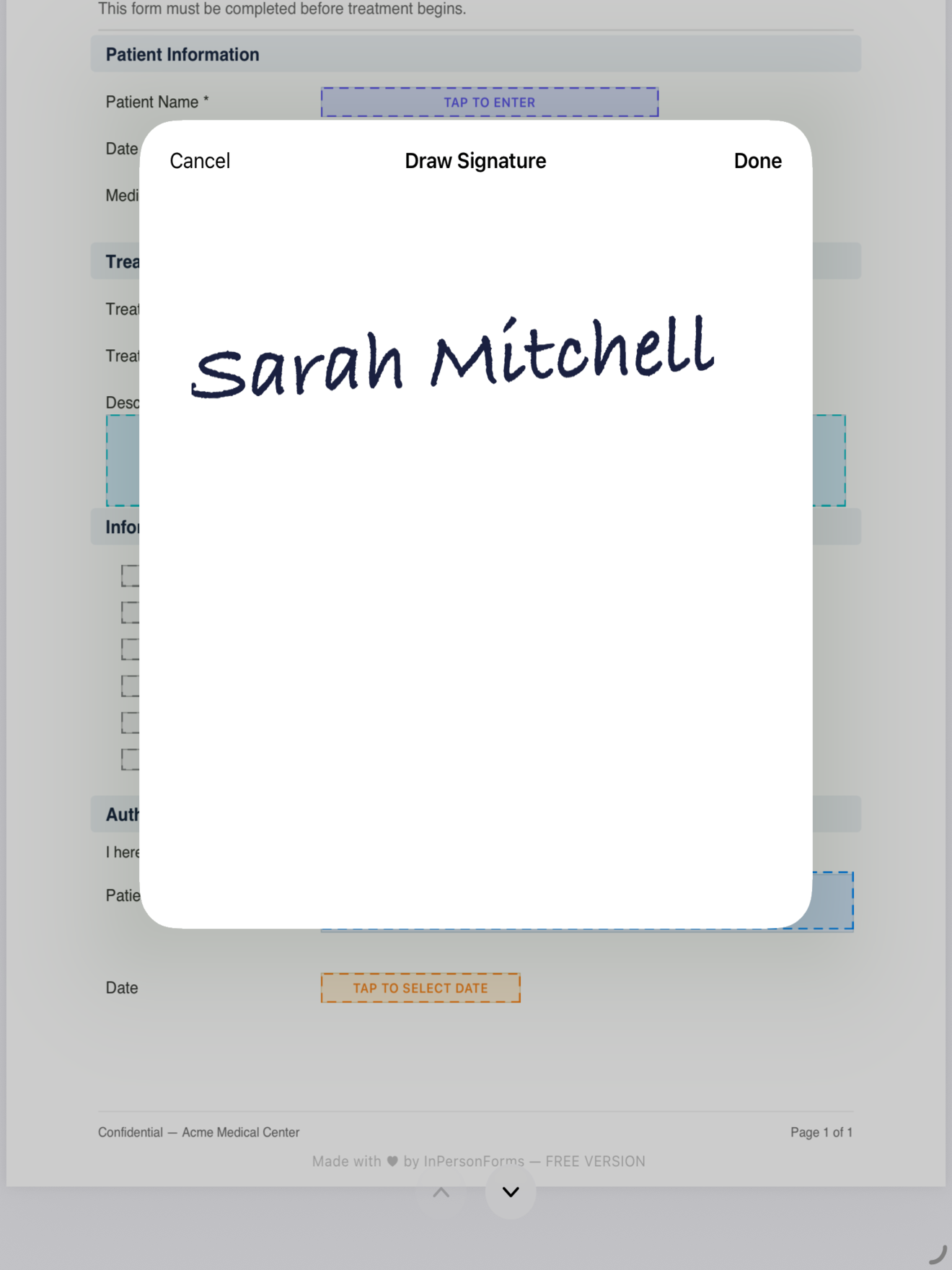
There is no invite to send, because the signer is already here. There is no second account, because they are using yours. There is no server waiting to confirm, because the signature is drawn on the device and written straight into the PDF. The person picks up your iPad or iPhone, signs in the field where the signature belongs, and hands it back. That is the whole transaction.
In InPersonForms the signature is captured with Apple’s PencilKit, so a finger or an Apple Pencil both feel natural, and the drawn signature is embedded permanently in the exported PDF rather than kept as a loose image you have to match up later.
Set the form up so the hand-over is clean
The hand-over only feels effortless if the form is ready before the person arrives. The work happens once, ahead of time, not while someone waits.
Start from the PDF you already use, an intake sheet, a consent form, a waiver. Import it and place the fields where they belong: text where the name goes, a date field, checkboxes for the options, and a signature field at the bottom. If the PDF was built in Acrobat or Word with form fields already in it, those get detected and converted, so you are not redrawing a form you already have.
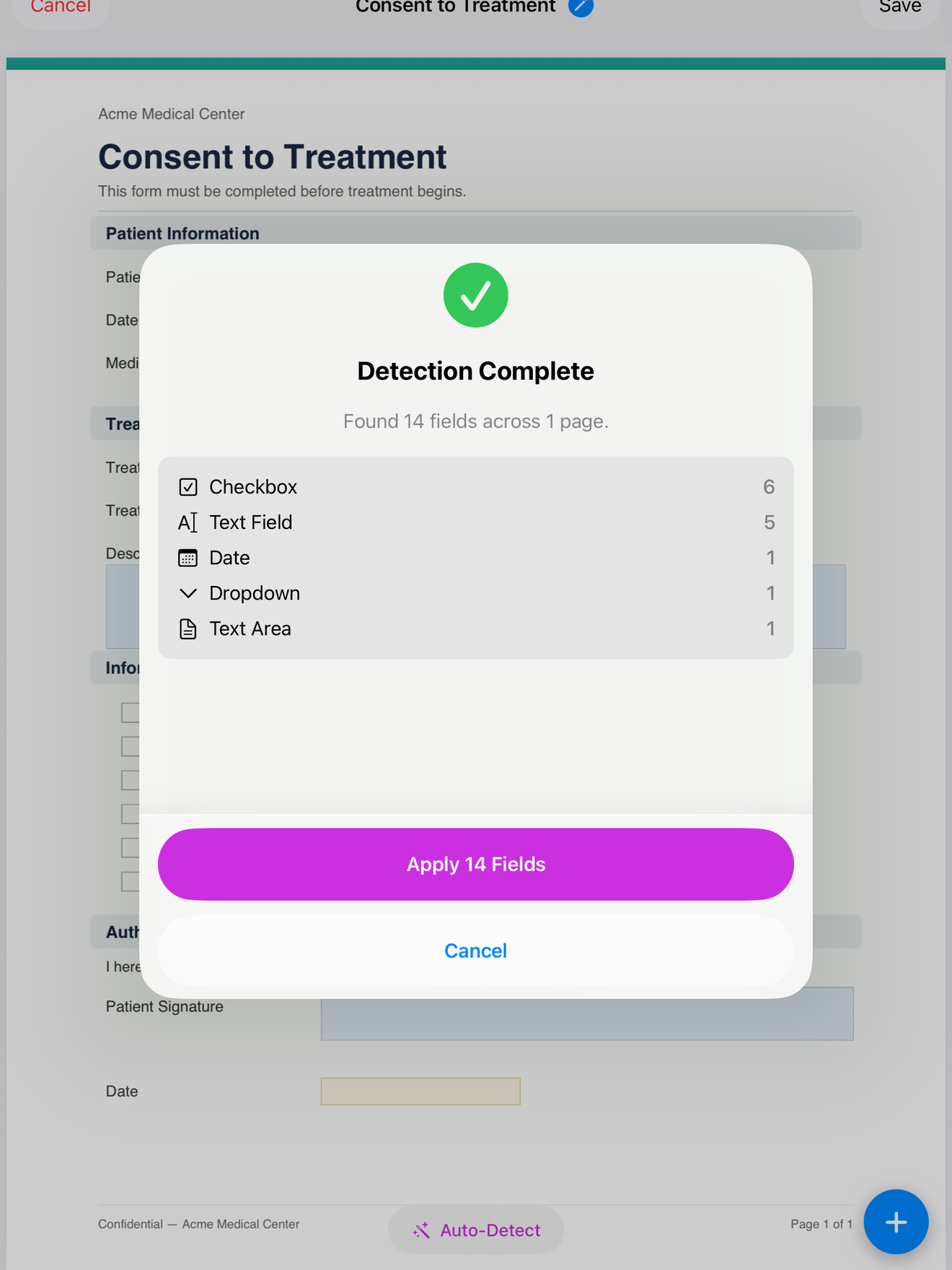
Save that layout as a template and every client starts from the same clean copy. You can mark the fields that must be completed as mandatory, so the form cannot be saved with the signature line or a required answer left blank. That matters more than it sounds: when you are handing a device back and forth, the validation is what stops a half-finished form from slipping through.
What the signer experiences
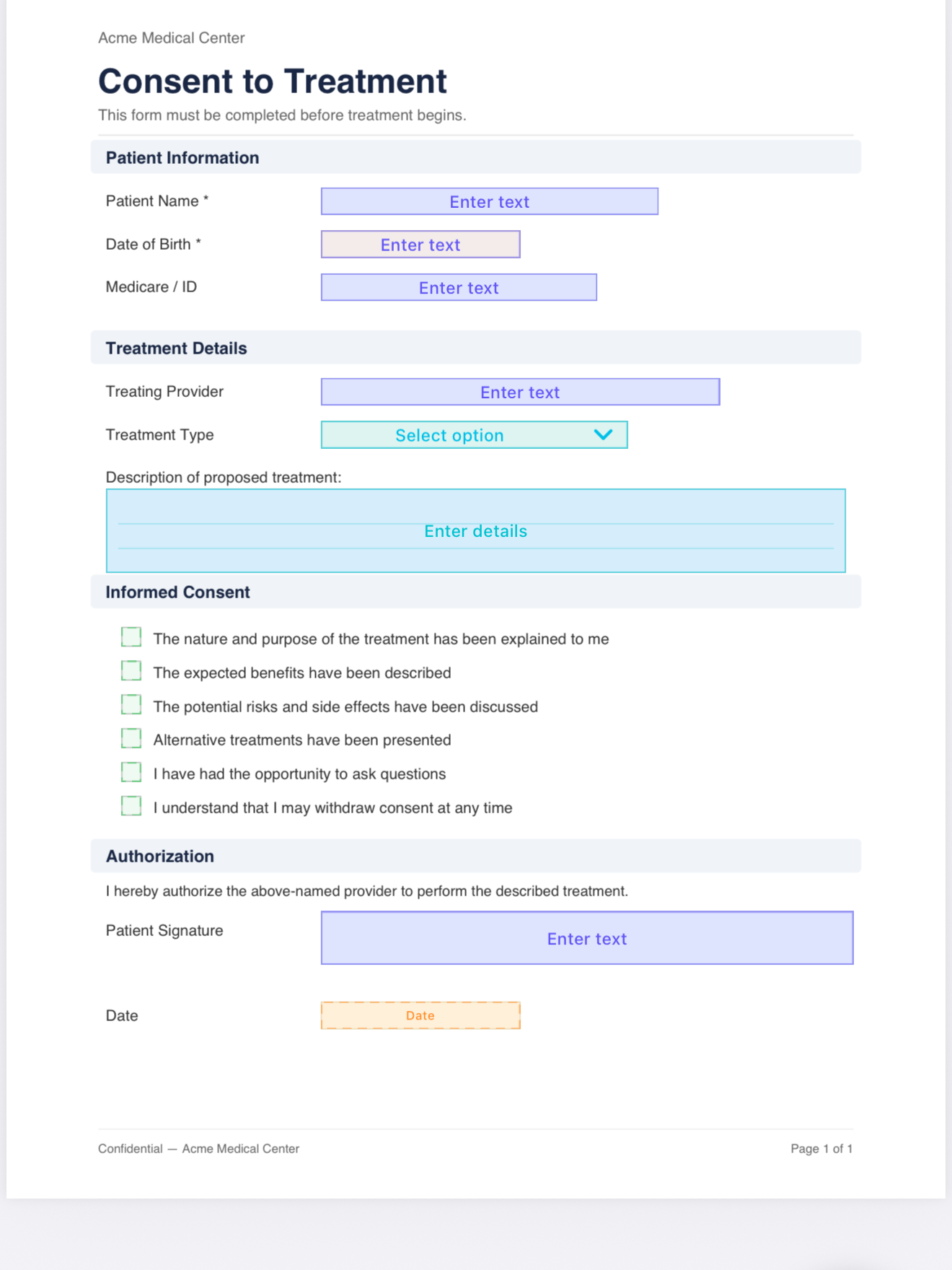
From their side, there is almost nothing to experience, which is the point. No email arrives. No app store prompt. No “create an account to continue.” They are handed a document that already has their details filled in, they read it, they sign, they hand it back. The interaction stays a conversation between two people instead of becoming two people looking at two screens.
If you store client profiles, their contact details can auto-fill into the form before you even pass it over, and on Pro so can saved profile answers, so the person is mostly reviewing and signing rather than typing.
Keep the record, then share if you want to
After the signature, you export a standard flattened PDF. The signature is part of the document now, so anyone can open the file without the app and without any context about how it was signed.
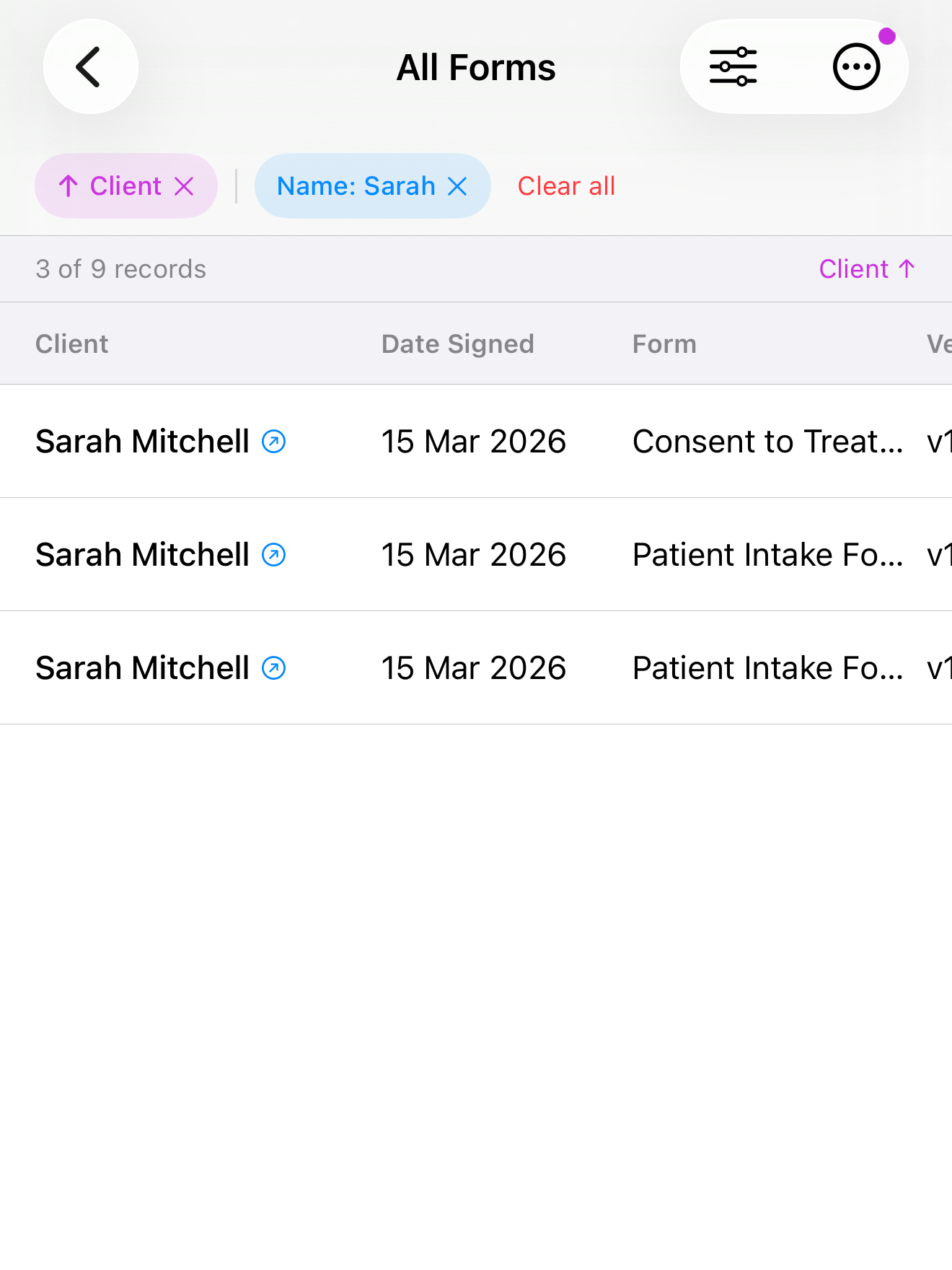
The signed copy stays on your device, filed with that client’s other forms. If you do want to email a copy or drop it into your records system, you can, after the fact and on your terms. The difference is that sending is now optional. The signature was already collected, in the room, without it.
When each model fits
The email-link flow is the right tool when the signer is remote. There is no way around sending something to someone who is not there. But for the large share of signatures that happen face to face, the remote flow is overhead. Skipping the invite, the second account, and the server round trip is not a workaround. It is just the workflow that matches where the person actually is.
InPersonForms is on the App Store for iPhone and iPad, free to start, with a one-time Pro upgrade if you need unlimited templates.