
There is a specific kind of dead zone every field tech knows. The mechanical room two floors down. The crawl space behind a furnace. A pump station an hour past the last cell tower. You finish the work, the customer is standing right there ready to sign off, and the app spins on a blank screen because it cannot reach a server.
The frustrating part is that the app probably advertised “offline mode.” So what happened?
”Offline” usually means “sync later,” not “works now”
Most tools that claim offline support mean one specific thing: they hold your submission on the phone and upload it once signal comes back. That is queue and sync. It solves the upload problem, and for a lot of workflows it is enough.
It does not solve the open problem. The form template, the field validation, the fonts, sometimes even the signature pad, can still be fetched from a server the first time you open the job. If you loaded the ticket that morning on shop Wi-Fi, the cache might carry you through. If you did not, or the cache expired, or the app updated overnight, you find out the hard way: standing in the basement, customer waiting, nothing loading.
The distinction that matters on a job site is not “offline vs online.” It is:
- Queue-and-sync: the data waits on the device, but the form may still need a network to load and the signature step may still call out.
- Fully on-device: opening the form, filling it, capturing the signature, and exporting the file all happen on the device, with no server in the loop at any step.
Only the second one is safe to rely on when there is no signal at all, ever, because nothing in the chain is waiting on a network.
Check where your current tool actually breaks
You can test this in five minutes without going to a real dead zone. Put the phone in airplane mode, fully quit the form app so nothing is cached in memory, then try to run a complete job: open a new form, fill a few fields, capture a signature, and export the result.
Watch for where it stalls. A spinner on open means the template loads from a server. A signature pad that will not appear means the signing step calls out. An export or “submit” that hangs means it only ever finishes when it can upload. Any one of those is a step that will fail in the field. The goal is a tool where every step completes in airplane mode.
Set the form up once, on the device
The practical version of fully on-device looks like this. Start from the PDF you already use: a work order, a completion report, a site inspection checklist, a customer sign-off sheet. Import it once.
If the PDF was built in Acrobat or Word with form fields already in it, those get detected and converted, so you are not redrawing the layout by hand.
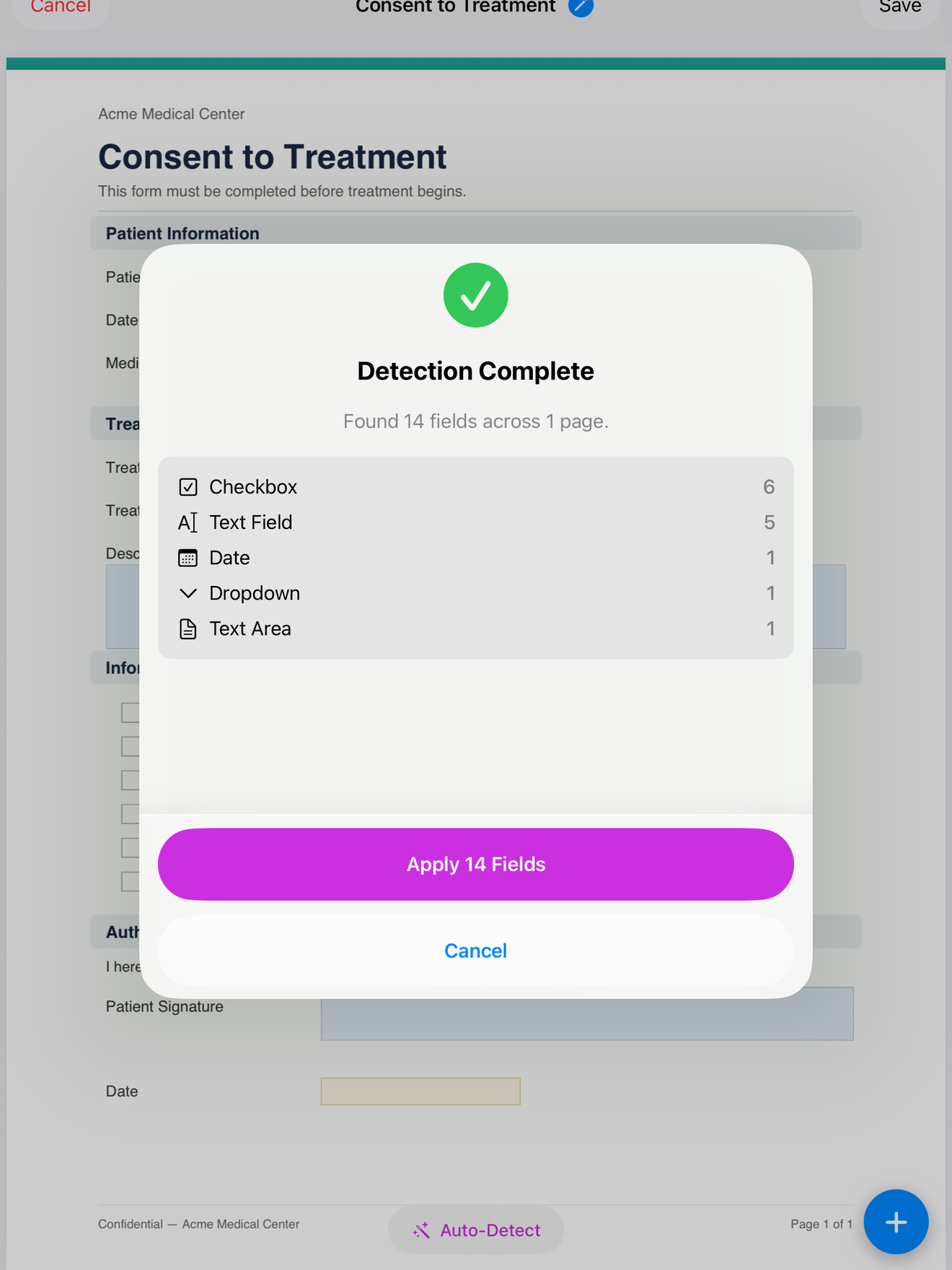
If it is a plain scan or a flat PDF, you place the fields yourself: a text box for the job number, a date field, checkboxes for the inspection items, and a signature field at the bottom. You do this one time. After that the layout is saved as a template, and every new job starts from the same clean copy.
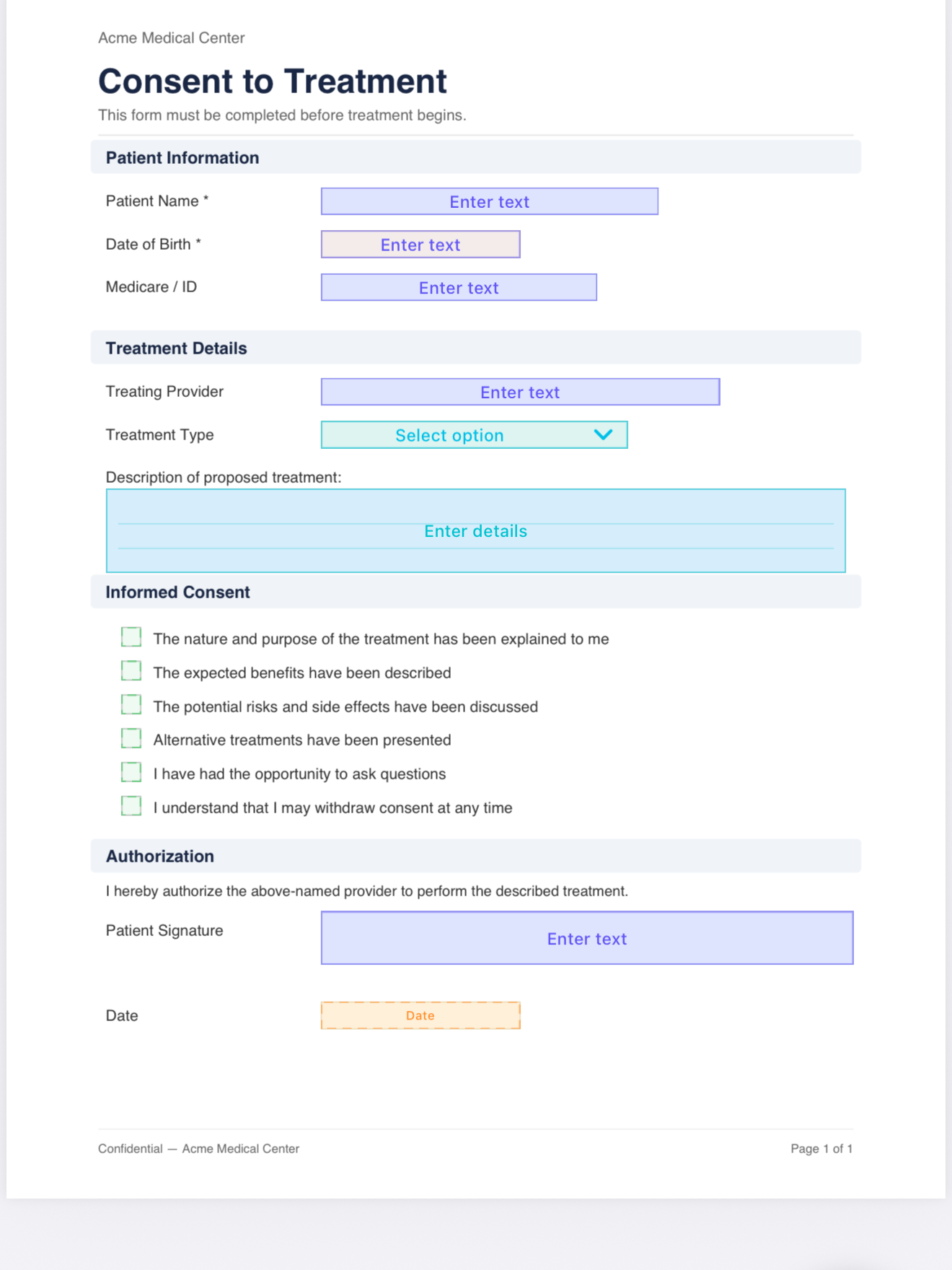
Mark the fields that cannot be left blank as mandatory, so a rushed sign-off does not go out missing the date or the customer name.
Get the sign-off on the spot
When the work is done, open the template, fill in what you know, and hand the device to the customer. They sign on screen with a finger or an Apple Pencil, directly on the document, in the field you placed for it. The signature is drawn on the device and written into the PDF itself.
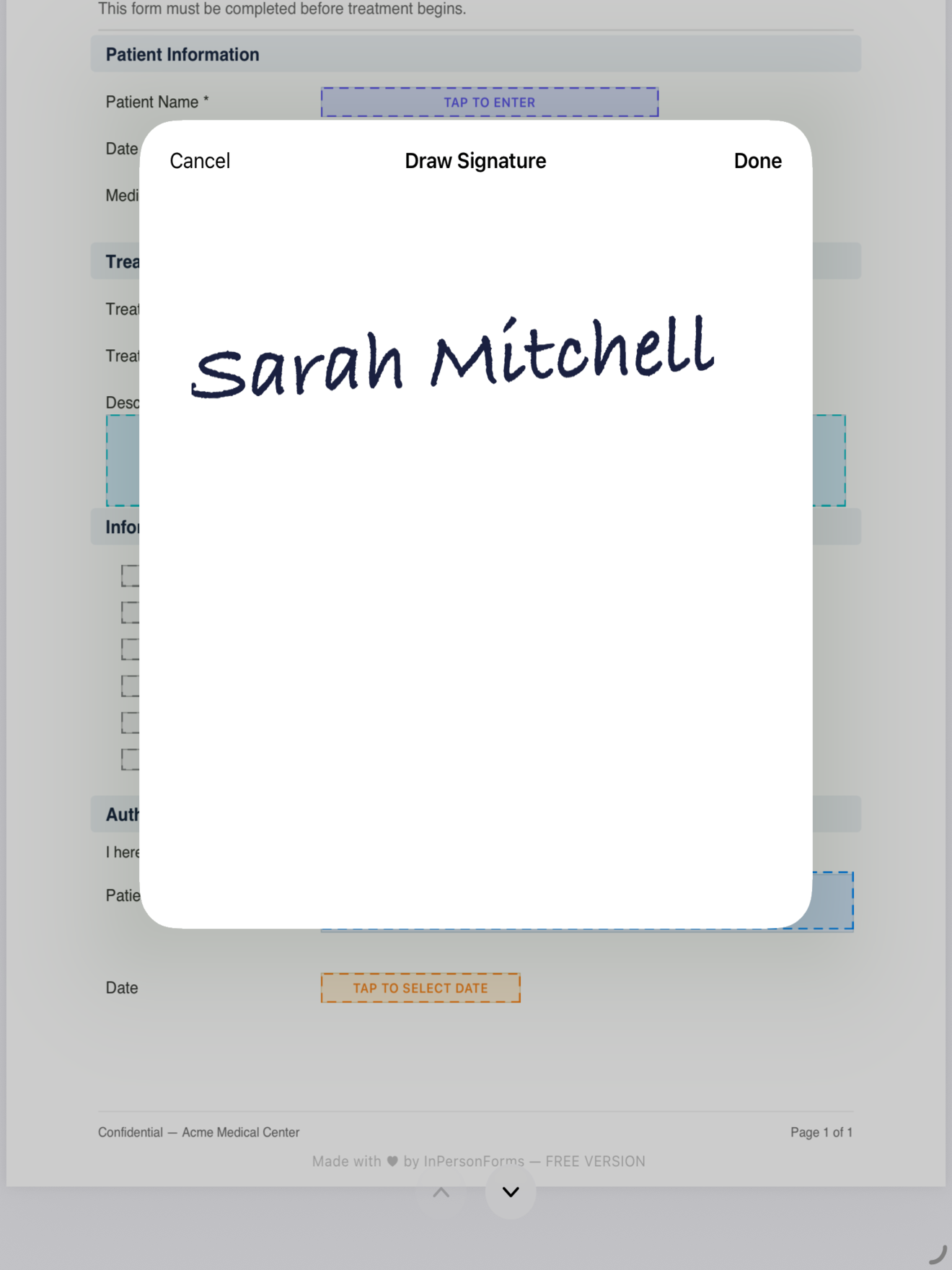
Because all of this runs locally, the basement and the rural pump station behave exactly like the shop. Nothing is waiting on a tower. There is no moment where the screen goes blank because a request timed out.
Export when you are back in range
Once it is signed, export the finished PDF. The file lives on the device until you decide to move it. Email it when you have signal, drop it in Files, or push it into whatever system the office uses for records. The exported file is a standard flattened PDF, so dispatch, the customer, and your accounting tool can all open it without the app.
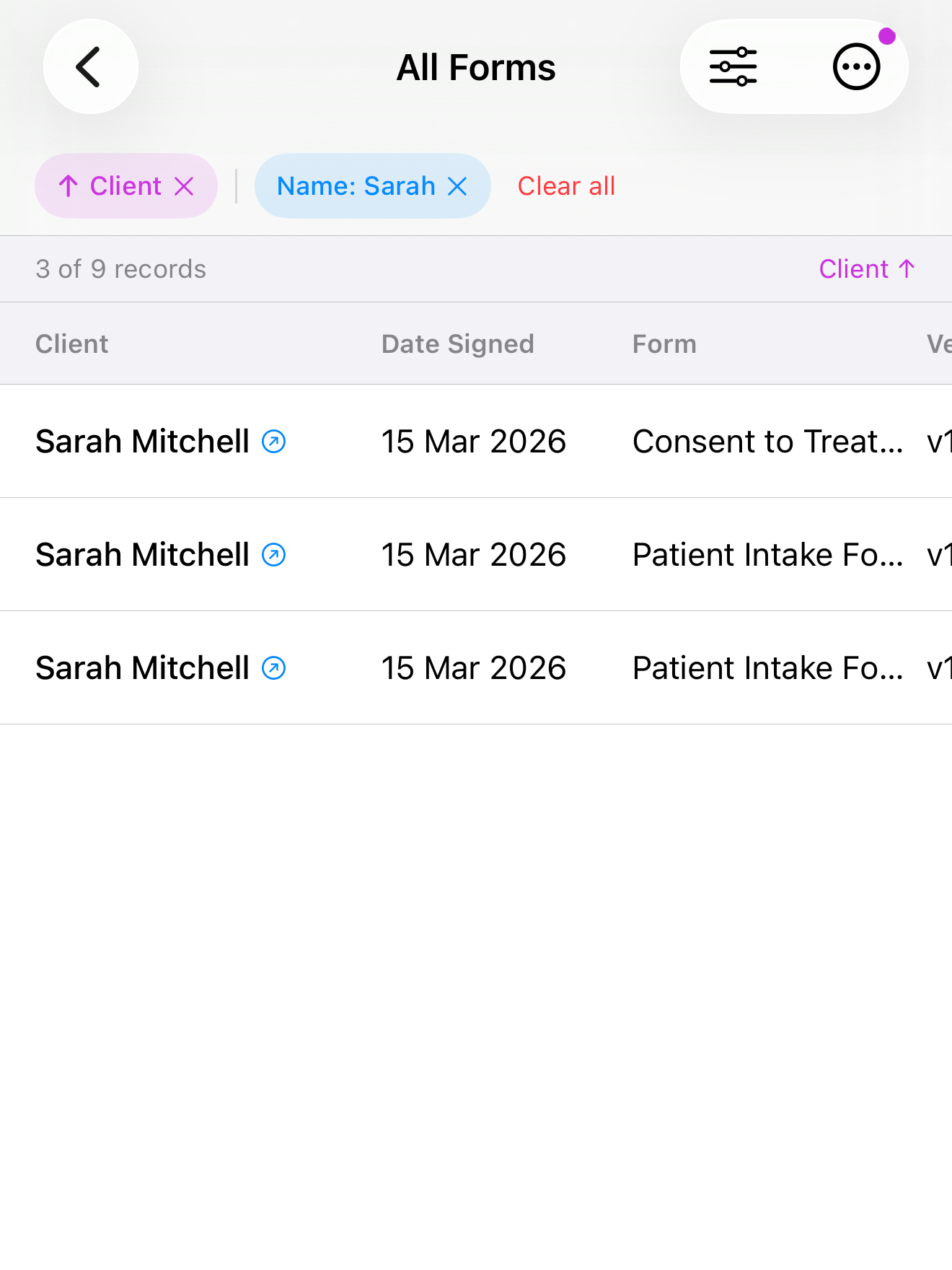
The signed copies stay organized by customer, so when someone calls back about a job from three weeks ago, you can find that sign-off without digging through email.
Why this matters more for trades than for a desk job
A desk worker who loses signal reschedules and tries again. A field tech cannot. You are on site, the customer is there now, and the sign-off has to happen before you pack up and drive to the next call. A tool that needs a server at any step puts a dependency you do not control between you and a completed job.
The screenshots above are from InPersonForms, which runs the whole flow on the device: import, fields, signature, and export, with nothing uploaded unless you choose to send it. It is free to start, with a one-time Pro upgrade if you need unlimited templates, so there is no subscription tied to how many sign-offs you collect. But the test is the one you can run on any tool you are considering: put it in airplane mode and see if a full job completes. If it does, signal stops being something you have to think about.
InPersonForms is on the App Store for iPhone and iPad.